




Description
My PlayHome: Interactive Virtual Dollhouse Fun
Overview
My PlayHome is a simulation game designed to deliver an engaging and imaginative virtual dollhouse experience for users of all ages. Developed by Shimon Young through Play Home Software, the application blends interactive play with creative exploration in a family-friendly environment. The core purpose of the software is to provide a safe, immersive space where players can engage with a dynamic household setting, interact with various characters, and explore everyday activities such as cooking, playing outdoors, and caring for family members and pets. This makes it particularly well-suited for children, though its thoughtful design appeals to a broader audience seeking entertainment and imaginative play. The game’s focus on interaction, creativity, and exploration supports developmental engagement, offering potential educational value through role-playing and problem-solving tasks. Real-world usage scenarios include home-based play sessions, educational activities in early learning environments, and family bonding moments. While the developer has not provided additional system requirements, the software is available for both Windows and Mac platforms, indicating broad accessibility across desktop operating systems.
Key Features & Capabilities
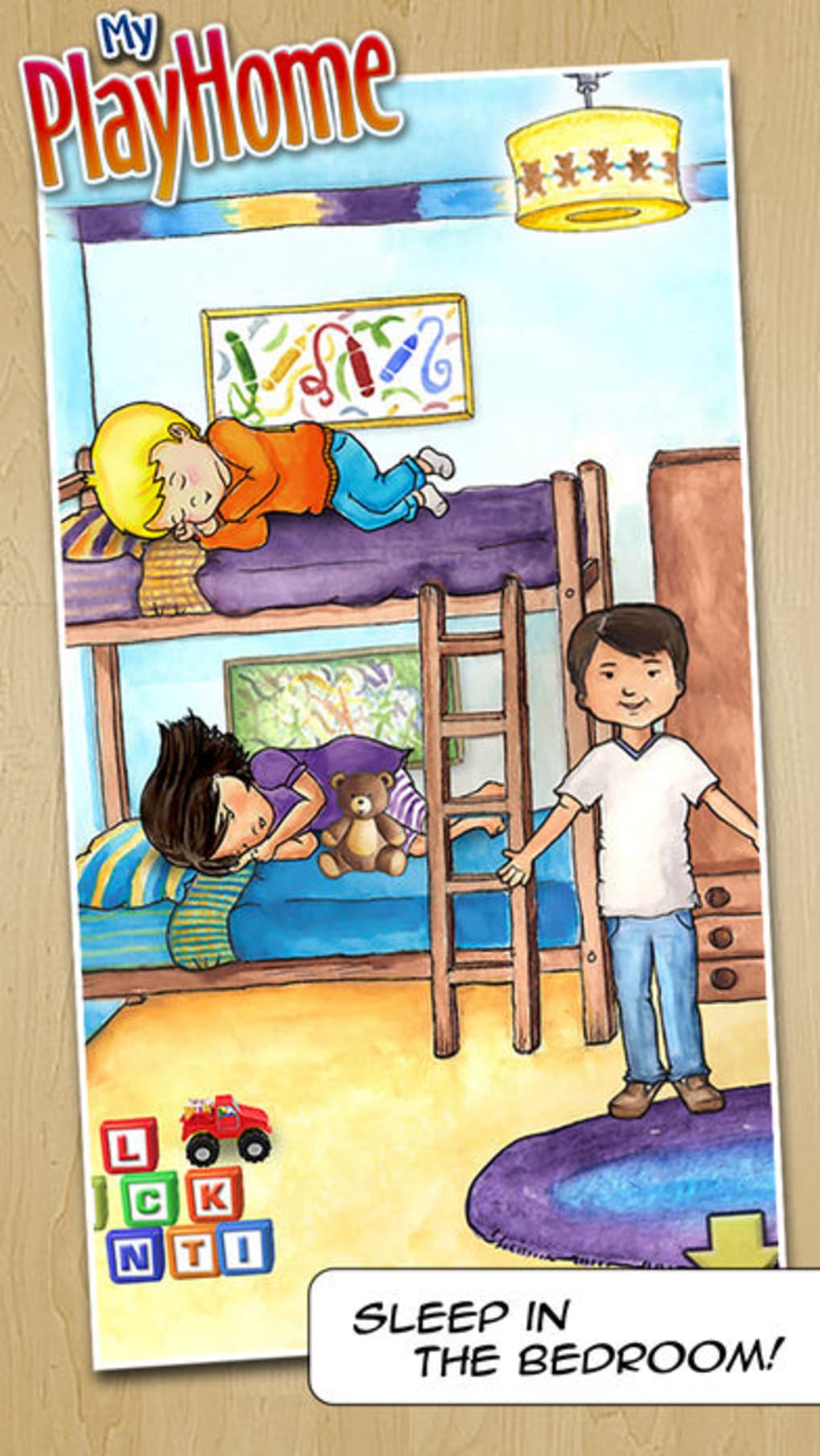
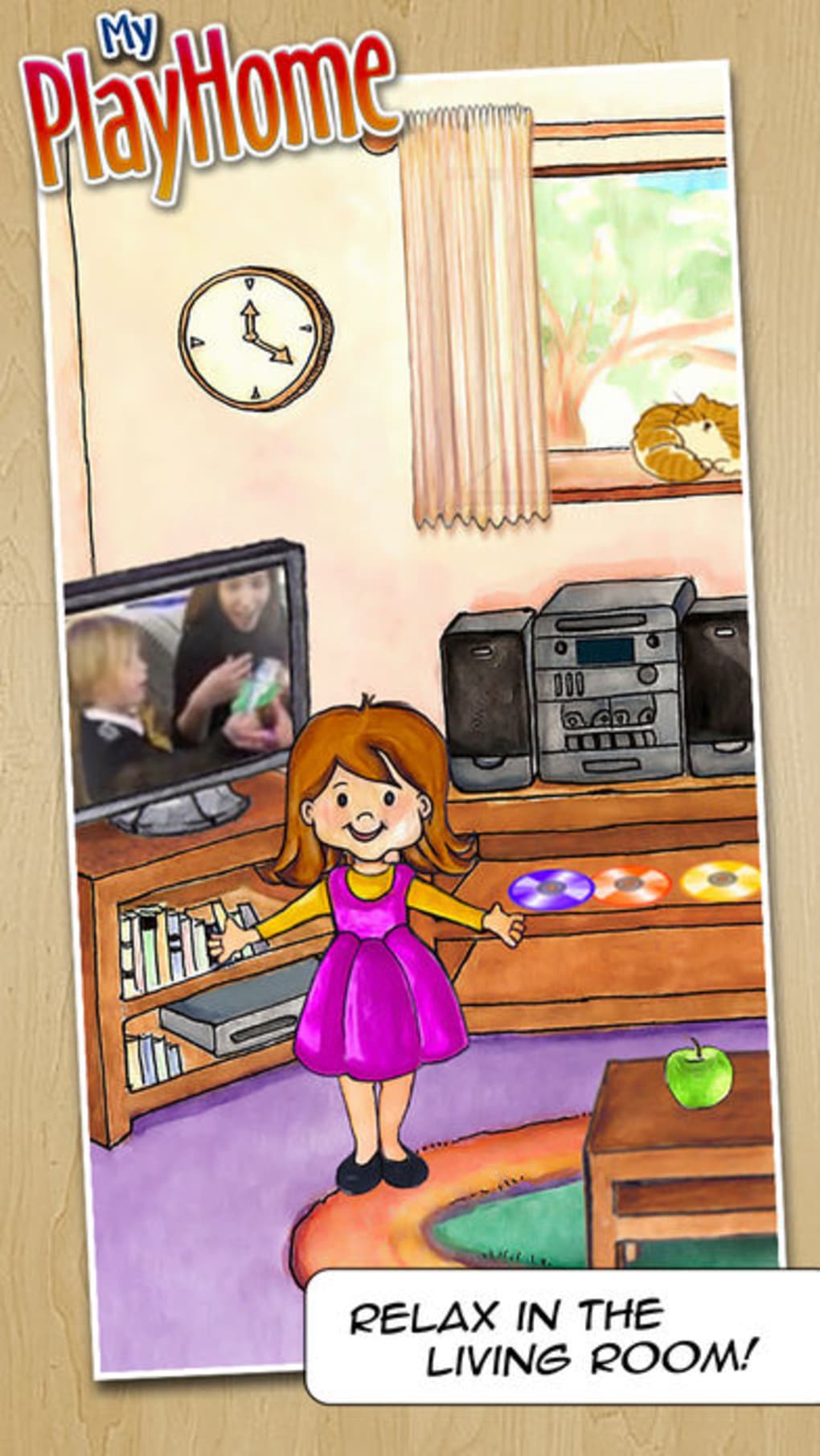
- Interactive Dollhouse Environment: Players can explore and manipulate a detailed virtual home with multiple rooms, each offering unique activities such as cooking in the kitchen, watching TV, or playing outside with other characters.
- Character Control: Users can take control of various family members and pets, managing their needs including feeding, bathing, and organizing outdoor playtime.
- Customization Options: The game allows players to personalize the dollhouse with decorations and modify the appearance of characters, enhancing creative expression and individualized gameplay.
- Physics-Based Simulation: Objects in the game respond realistically to user actions—chairs can be moved, bubbles can be blown, lights can be turned on and off, and other physical interactions add depth to the experience.
- Optimization Feature: An in-game option enables users to adjust performance settings, allowing for smoother gameplay on varying hardware configurations.
These features support a rich, hands-on experience where users are not just passive observers but active participants in shaping the narrative of the household. For example, a child might create a story where a pet needs to be bathed before going outside, or a parent might guide a child through cooking a meal in the virtual kitchen. The combination of realism and imagination encourages cognitive development, emotional learning, and motor coordination.
User Interface, Workflow & Performance
The user interface of My PlayHome appears to be designed with intuitive navigation in mind, prioritizing accessibility for younger users while maintaining functionality for older players. The layout likely features clear visual cues, simple menus, and responsive controls that align with the game’s family-friendly nature. Workflow efficiency is supported by direct access to core activities—players can move between rooms and initiate actions with minimal steps. The game’s physics-based mechanics suggest a responsive interaction model, where user inputs translate into visible and logical outcomes. However, exact performance details were not specified by the developer. General software behavior patterns indicate stable operation under normal conditions, though actual CPU and RAM usage may vary depending on system configuration. The developer did not specify resource usage details, so users should monitor performance during extended play sessions. Stability appears to be a priority, as the game supports continuous interaction without reported interruptions. Overall, the workflow is structured to maintain immersion and reduce frustration, making it suitable for both casual and repeated use.
Compatibility & System Requirements
My PlayHome is available for both Windows and Mac operating systems, ensuring cross-platform accessibility for desktop users. The software has a file size of 1.2 GB, which reflects its detailed graphics and interactive content. The version number is listed as 1.0.0, indicating it is a stable initial release. The developer did not provide additional system requirements, so users should ensure their devices meet general desktop standards for running simulation software. Exact hardware requirements were not listed, and compatibility information was partially provided. It is recommended that users verify their system’s ability to run similar applications before installation. The lack of detailed specifications means that performance on lower-end machines may vary, and users should be prepared to adjust settings if needed.
Pros and Cons
Pros
- Immersive, interactive virtual dollhouse environment suitable for children and families
- Supports creative expression through customization of decor and character appearance
- Physics-based interactions enhance realism and engagement
- Family-friendly content with no inappropriate themes
- Free to download and use, making it accessible to a wide audience
Cons
- Limited content expansion options reported by some users
- No detailed system requirements provided
- Potential performance variability on older or low-spec hardware
- Version 1.0.0 suggests limited feature set for a full release
- Only basic optimization features are available
FAQ Section
Is My PlayHome available for Windows and Mac?
Yes, My PlayHome is compatible with both Windows and Mac operating systems, offering desktop access for users on these platforms.
Is the software free to use?
Yes, My PlayHome is available at no cost, allowing users to download and play without any payment requirements.
Does My PlayHome require an internet connection?
The software can be used offline after installation. While online features are not confirmed, the core gameplay does not appear to depend on continuous internet access.
Are there regular updates for My PlayHome?
As the software is currently at version 1.0.0, updates may be released to improve performance, add features, or expand content. Users should check for updates through the official distribution channel.
What kind of content can I expect in My PlayHome?
Players can explore a virtual dollhouse with interactive rooms, control family members and pets, customize environments, and engage in daily activities like cooking and playing outside. Additional content such as new houses or stores has been requested by users but is not currently included.
Final Thoughts + CTA
My PlayHome delivers a charming and imaginative virtual dollhouse experience that successfully blends entertainment with creative exploration. Its intuitive interface, physics-based interactions, and customization options make it a standout choice for families and young learners. While some users have expressed interest in expanded content, the current version offers a solid foundation for interactive play. The fact that it is free and available on both Windows and Mac increases its appeal. For parents, educators, and children seeking a safe, engaging desktop simulation tool, My PlayHome provides meaningful value. With its focus on creativity, emotional engagement, and developmental play, it stands out as a thoughtful addition to the family-friendly software landscape. Download My PlayHome now.
Guides & Tutorials for My PlayHome
How to install My PlayHome
- Click the Preview / Download button above.
- Once redirected, accept the terms and click Install.
- Wait for the My PlayHome download to finish on your device.
How to use My PlayHome
This software is primarily used for its core features described above. Open the app after installation to explore its capabilities.
User Reviews for My PlayHome 0
No reviews found





